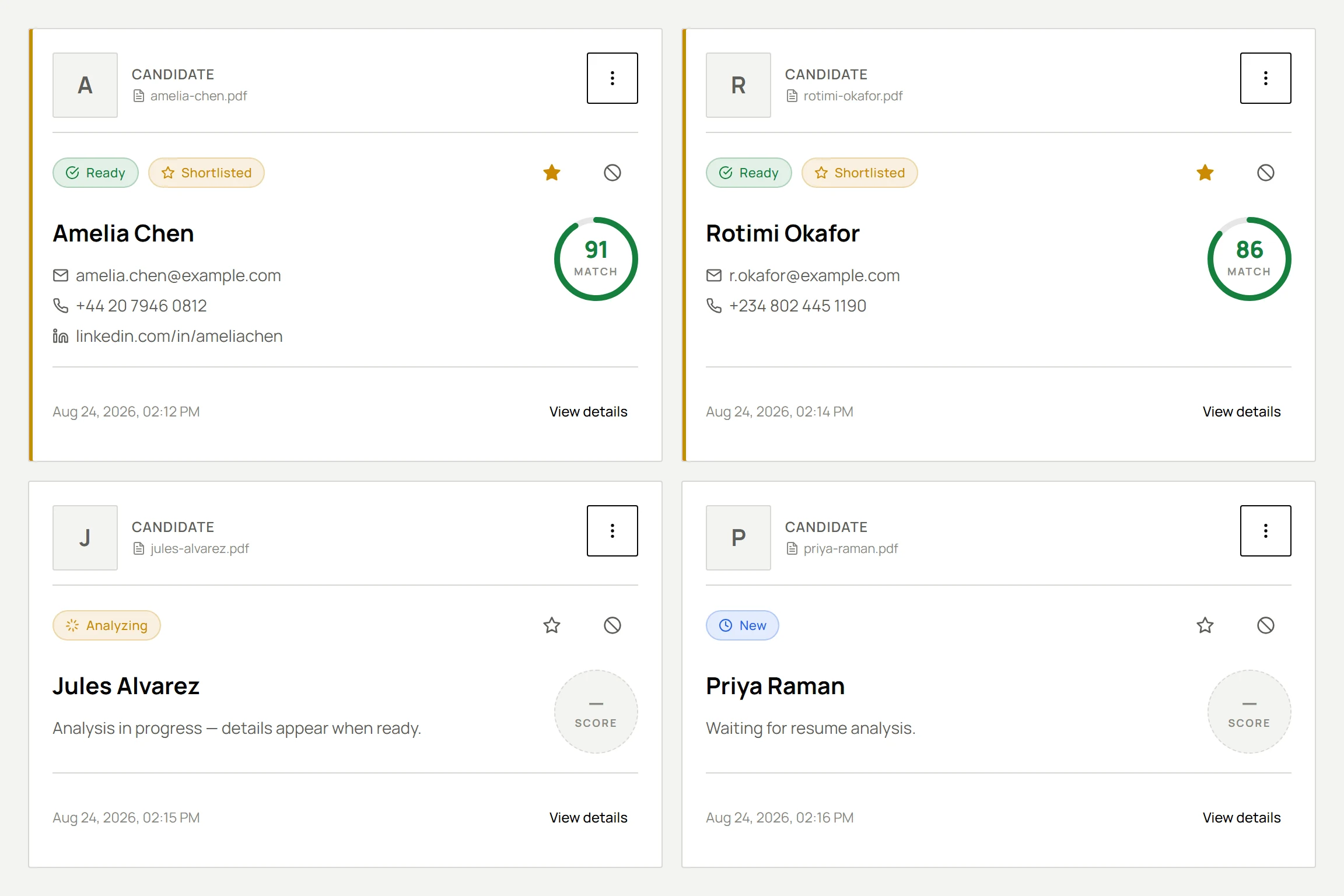
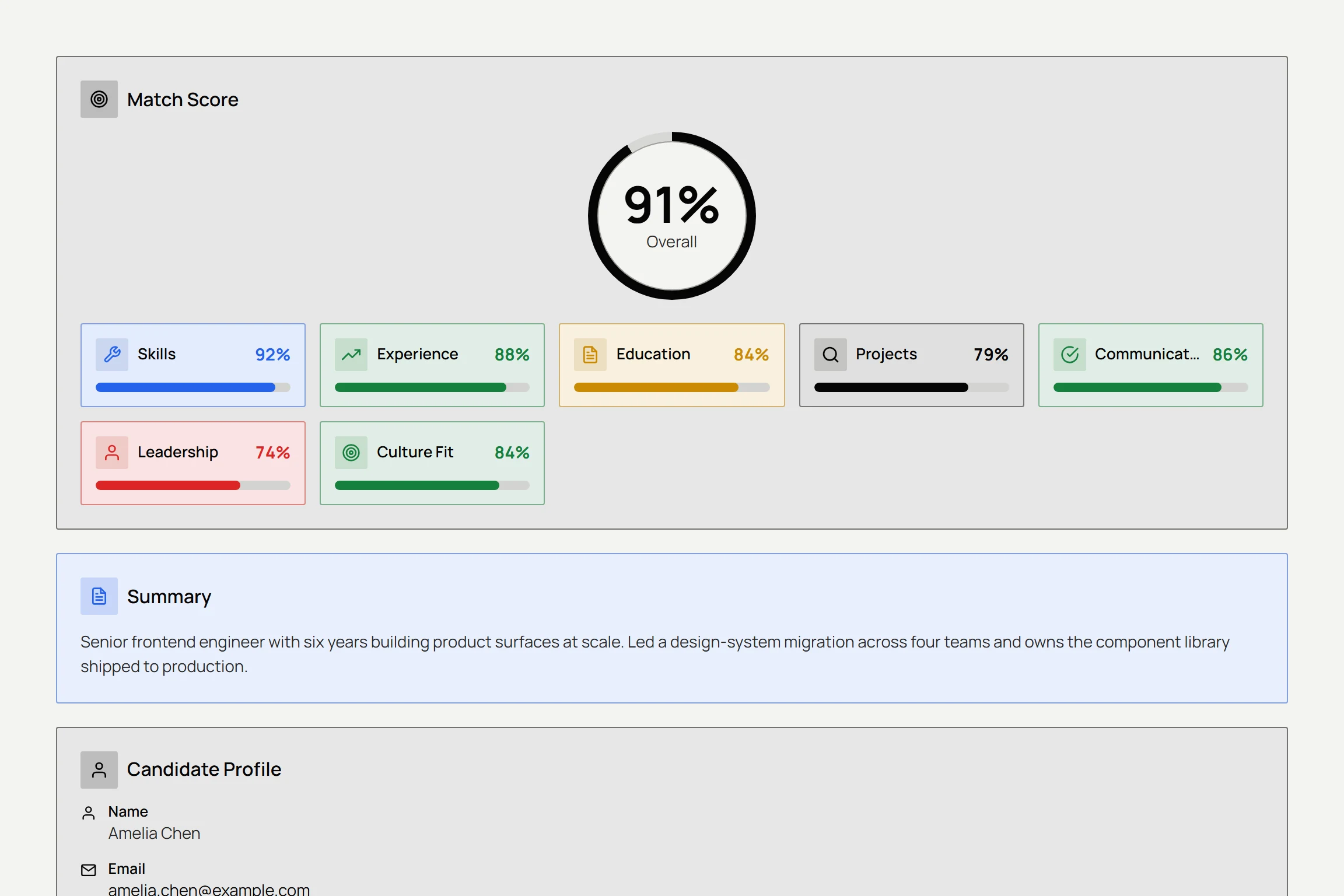
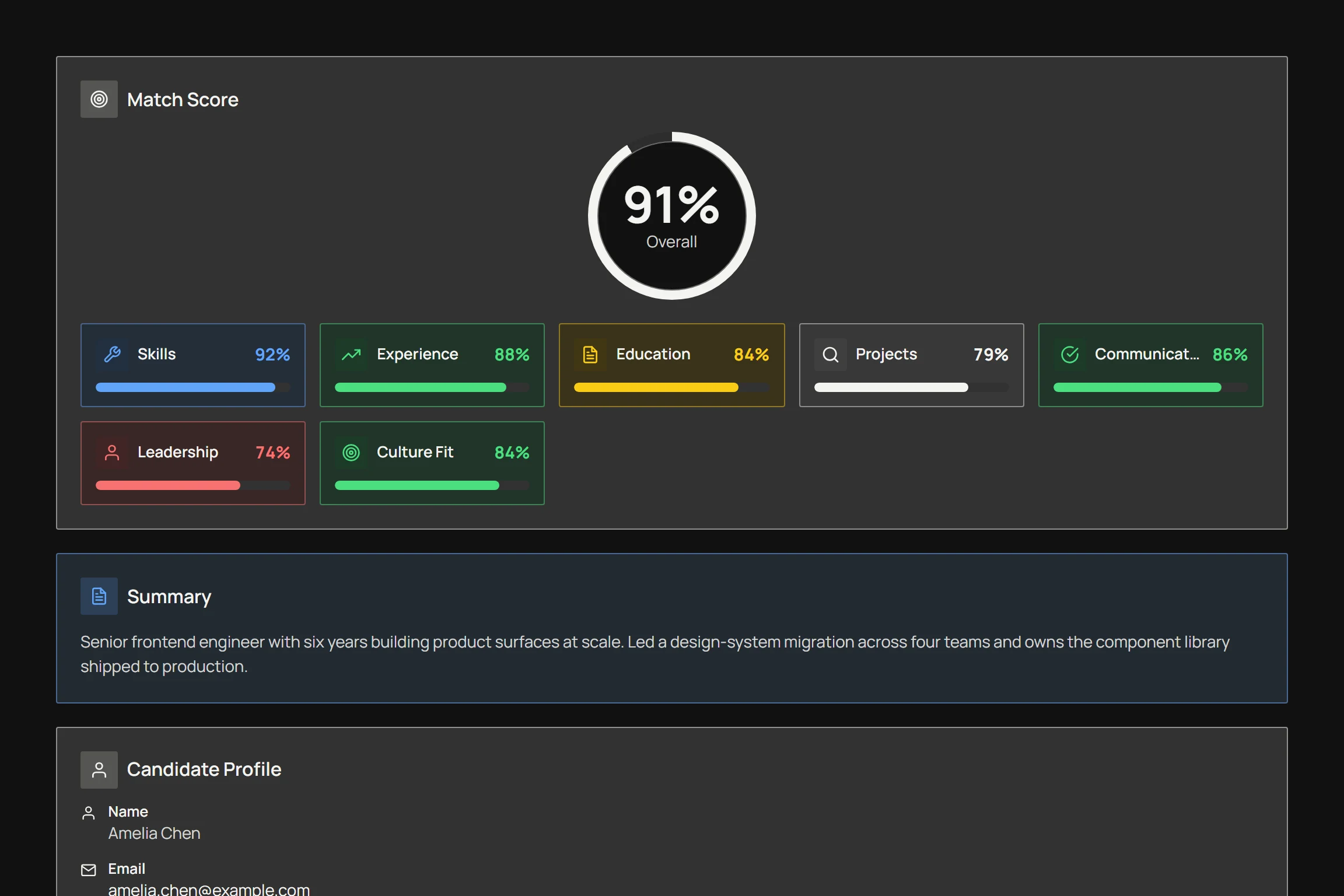
Resume World uses natural language processing to extract skills, experience, education and achievements from each resume, then scores them against the requirements you set for the role. Every score is returned with the reasoning behind it, so you can see which requirement a candidate met or missed.
Read AI Screening Guide
MCPNow in Claude, ChatGPT & GeminiUse Resume World inside Claude, ChatGPT & Gemini
A Thousand Possibilities.
AI resume screening that finds the right candidate, faster.
AI-powered resume screening that analyzes, ranks, and explains candidates against your hiring criteria.
Let Resume World do your screening
- Screened 1,000 resumes
- Matched role-fit skills
- Built a focused shortlist
- Queued interview handoff
- Confirmed review criteria
- Screened 1,000 resumes
From upload to shortlist
- MinutesFrom upload to ranked shortlist
- Every CVScored against the same criteria
- FreePlan to start on, no card required
About Resume World
Candidate screening that shows its work.
Resume World scores every application against the rubric you set, explains each score, and connects to the AI assistants your team already uses.
- 01
Every score explained
Each requirement a candidate met or missed is written out, so the shortlist you hand over is one you can defend.
- 02
You approve every change
AI proposes candidate moves, form edits and assessments. Nothing in your pipeline changes until a recruiter says yes.
- 03
Open to your AI stack
Every job can run as its own MCP server, so you can work from Claude, ChatGPT, Gemini or any MCP client.
See how MCP works
Works with
- Claude
- ChatGPT
- Gemini
- Any MCP client
- PDF · DOC · DOCX
Screening platform
Screen resumes into review-ready shortlists.
Parse, match, collect, assess and decide together, all in one workspace.
Parse
Every resume becomes a structured profile.
Skills, experience and education are pulled out of PDF, DOC and DOCX files, so every applicant can be compared on the same fields.
Match
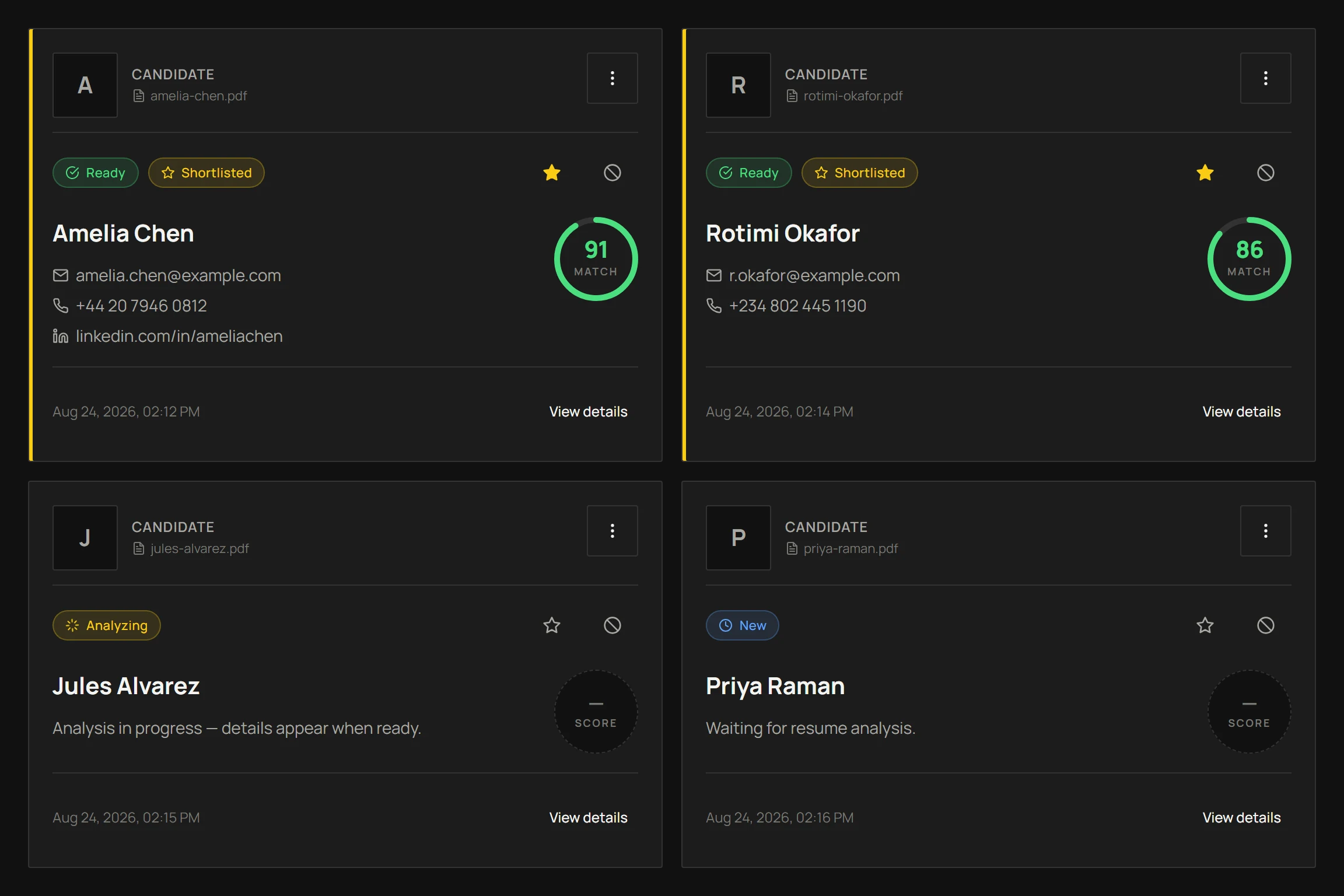
Scored against your role.
Each requirement met or missed, written out.
Collect
Branded application forms.
Share one link per job. Every submission lands on the right job.
Assess
Tests, assignments and documents.
Proctored MCQ tests, take-home work with file or video answers, and document requests.
Decide
Review as a team.
Invite collaborators as Owner, Editor or Viewer and keep notes with each candidate.
How it works
From job post to a candidate shortlist you can defend.
Four steps, one rubric, and a record of why every candidate ranked where they did, shown in the actual product.
01 / 04
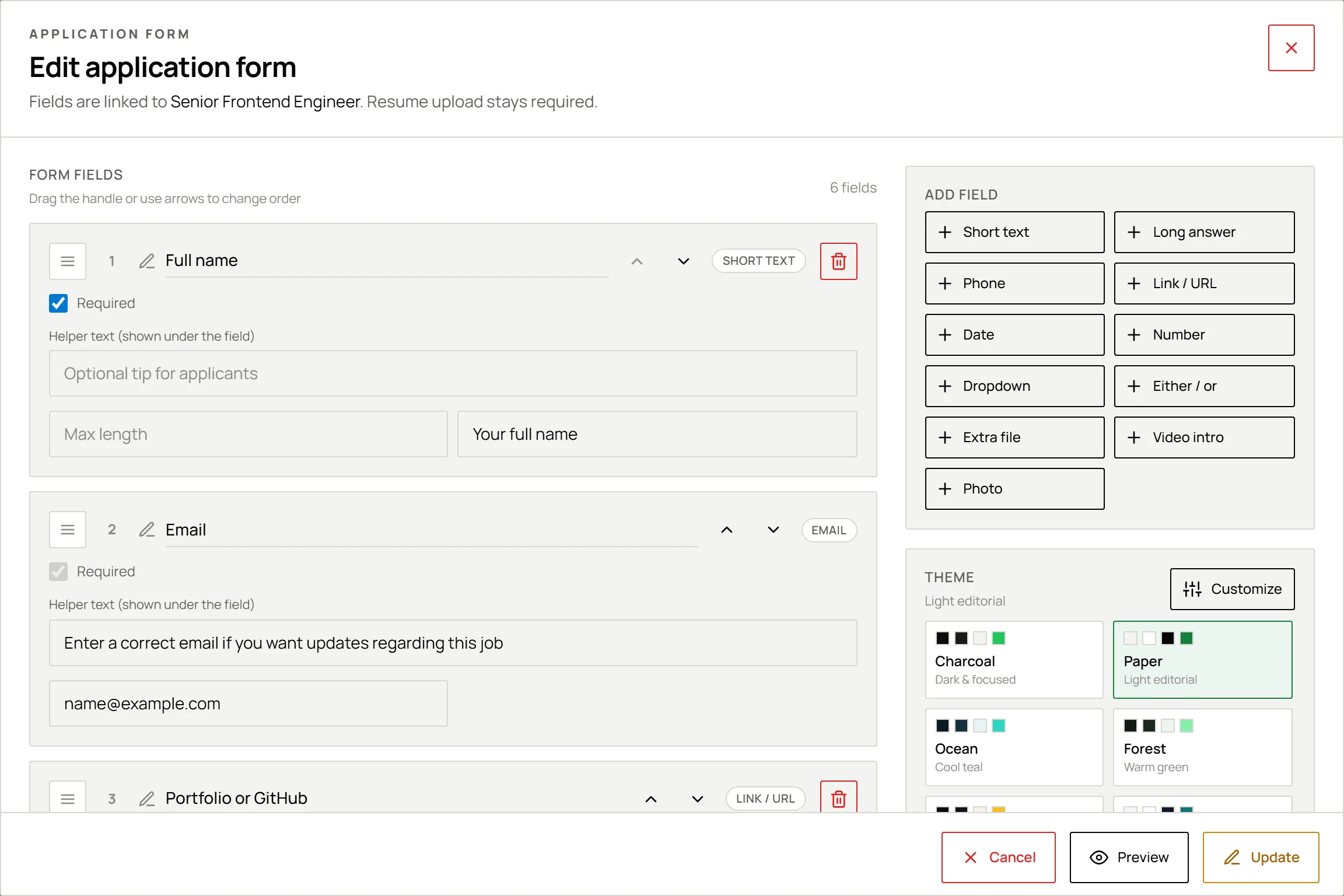
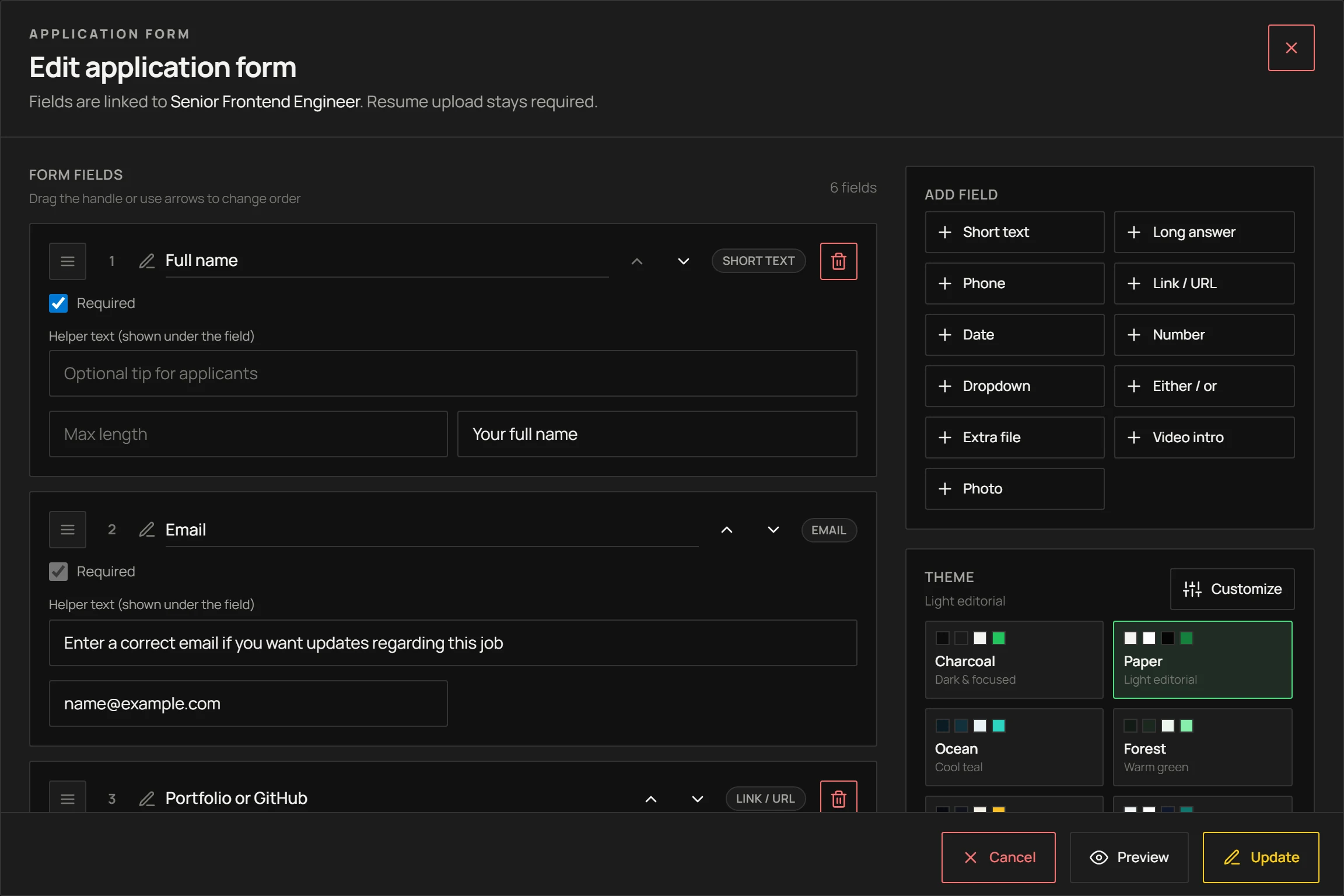
Define the role once
Write the job description and set the criteria that matter. That rubric is what every applicant is measured against, instead of ad-hoc judgement resume by resume.
- Markdown job description
- Criteria you weight
- Your logo
resumeworld.app/dashboard
Job card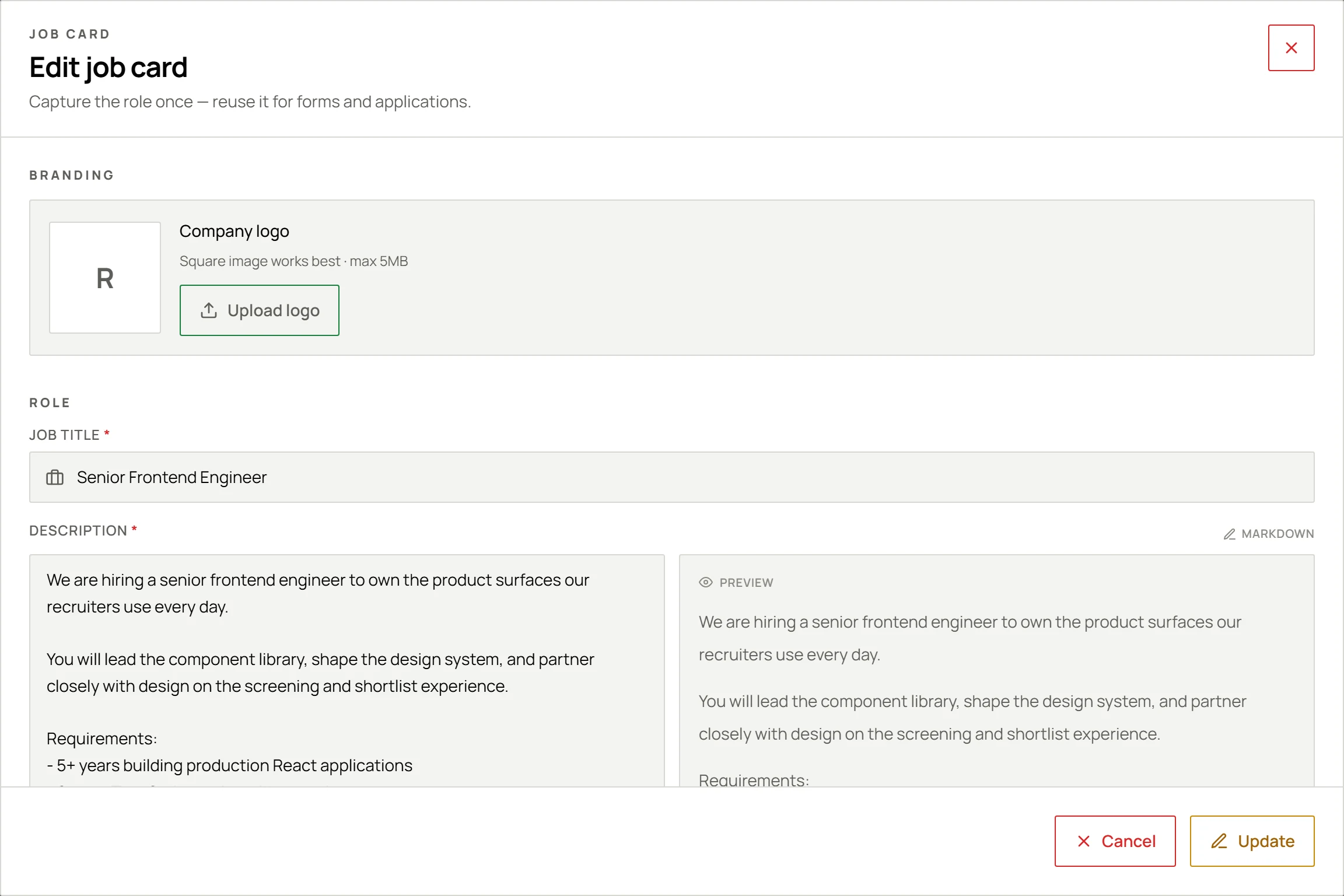
MCP server
Your hiring workspace, inside the AI you already use.
Every job can run as its own MCP server. Connect Claude, ChatGPT, Gemini or any MCP client, and your assistant can read the role, the applicants and the results, then propose next steps you approve.
Claude, ChatGPT and Gemini connect through their connector OAuth flow; any other MCP client connects with an API key. Once connected, the assistant gets Resume World tools for job context (get_job_info, get_form_info), candidates (read_applications, read_resumes), assessments (list_assessments, read_assessment_results) and proposals (propose_progress_update, propose_create_form, propose_edit_form, propose_create_assessment, propose_send_assessment), which only take effect after a recruiter approves them.
Try an example
Claude
resumeworld · senior-frontend-engineer
You
Who are the five strongest applicants for Senior Frontend Engineer, and why?
get_job_infoJob contextread_applicationsCandidates
Five applicants ranked, each with the requirements they met and missed.
Connect in minutes
From job to connector in three steps.
One URL per job. No SDK, no plugin and nothing to install.
- 01
Turn on MCP for a job
Open the job and switch on MCP Access. It stays off until you do.
- 02
Add the URL to your assistant
Paste it as a connector in Claude, ChatGPT or Gemini. Other MCP clients use an API key.
- 03
Approve, then ask
Approve the connection on the Resume World consent screen and ask in plain language.
Using a config file instead?
mcp.json · API key from Settings → API keys
{ "mcpServers": { "resumeworld": { "type": "http", "url": "https://www.resumeworld.app/api/mcp/jobs/<job-id>", "headers": { "Authorization": "Bearer <your-api-key>" } } }}Off until you turn it on
MCP is switched on job by job, and only owners and editors can connect.
Assistants only propose
Candidate moves, form edits and assessments wait for approval in Resume World.
Resume text is opt-in
Full CV text is shared only when you allow it for that job.
Access you can revoke
OAuth tokens expire hourly. API keys are stored hashed and can be revoked any time.
Frequently Asked Questions
Common questions about AI resume screening.
Need custom rubric help?
Ask SupportAI & Scoring
01 / 09
How does Resume World's AI resume analysis work?
Resume World uses natural language processing to extract skills, experience, education and achievements from each resume, then scores them against the requirements you set for the role. Every score is returned with the reasoning behind it, so you can see which requirement a candidate met or missed.
Traceable ReasoningAttribute ExtractionCriteria Scoring
Read AI Screening Guide
Helpful?
Your next shortlist, explained.
Start on the free plan, no card required. Connect Claude, ChatGPT or Gemini whenever you are ready.